
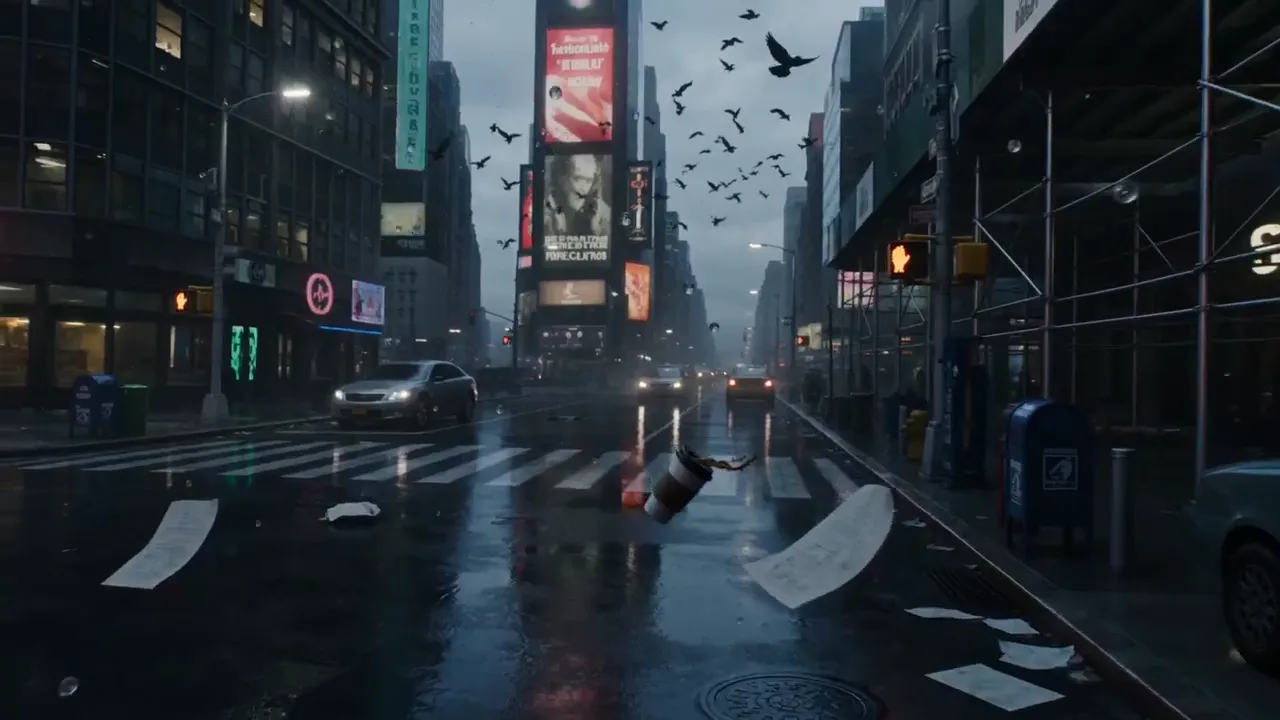
Kling 3.0 Turbo AI Video Generator Agent
Kling 3.0 Turbo is where creators start a short video: Kling footage for fewer credits, silent and ready for your own sound.
Ideas to try
More models on SayMaker
Every other image and video model you can run here. Open one to see what it does best.


What Kling 3.0 Turbo can make
Real clips creators posted on X. Press play, then picture your own scene here.
Quiet live-action drama
How to cut credit spend with Kling 3.0 Turbo
The start-cheap, step-up-when-needed workflow creators use on Reddit.
Sort your shot list
Mark each shot as simple (one subject, one move) or complex (several people interacting).
Run the simple shots on Turbo
Render them here first at 720p; most short videos are mostly simple shots.
Step up only where needed
If a shot needs sound, 4K or complex interaction, send the same prompt to Kling 3.0.
Finish in your editor
Re-render the keepers at 1080p and lay your own music and voice under them.
Kling 3.0 Turbo is where short, simple shots start
Short videos and simple movements start on Kling 3.0 Turbo, and only move up to the full Kling 3.0 when a shot needs more. "If Turbo works, I use Turbo," as one creator on r/AIToolTalks put it. A 4-second clip is 270 credits at 720p, 340 at 1080p, shown before it renders.
Creative engine
Inside a Kling 3.0 Turbo render
Pick the length and resolution your shot needs, and see the credits before you commit.
Lower rate per clip
From 270 credits, below the full model.
Words or a still
Text to video and image to video.
Silent, edit-ready
Lay your own voiceover or music under it.
When a shot needs its own sound or 4K, send the same prompt to Kling 3.0. In the SayMaker agent, ask for "four 6-second clips on Kling 3.0 Turbo" and every clip's credits show on one plan card first.
Kling 3.0 Turbo for short videos, acting and the edit
Short videos and simple moves for fewer credits
Short videos and simple movements come back quickly, ready to cut into the edit.
- From 270 credits for 4 seconds
- 4, 6, 8 or 10 seconds
Quiet, cinematic acting from a prompt
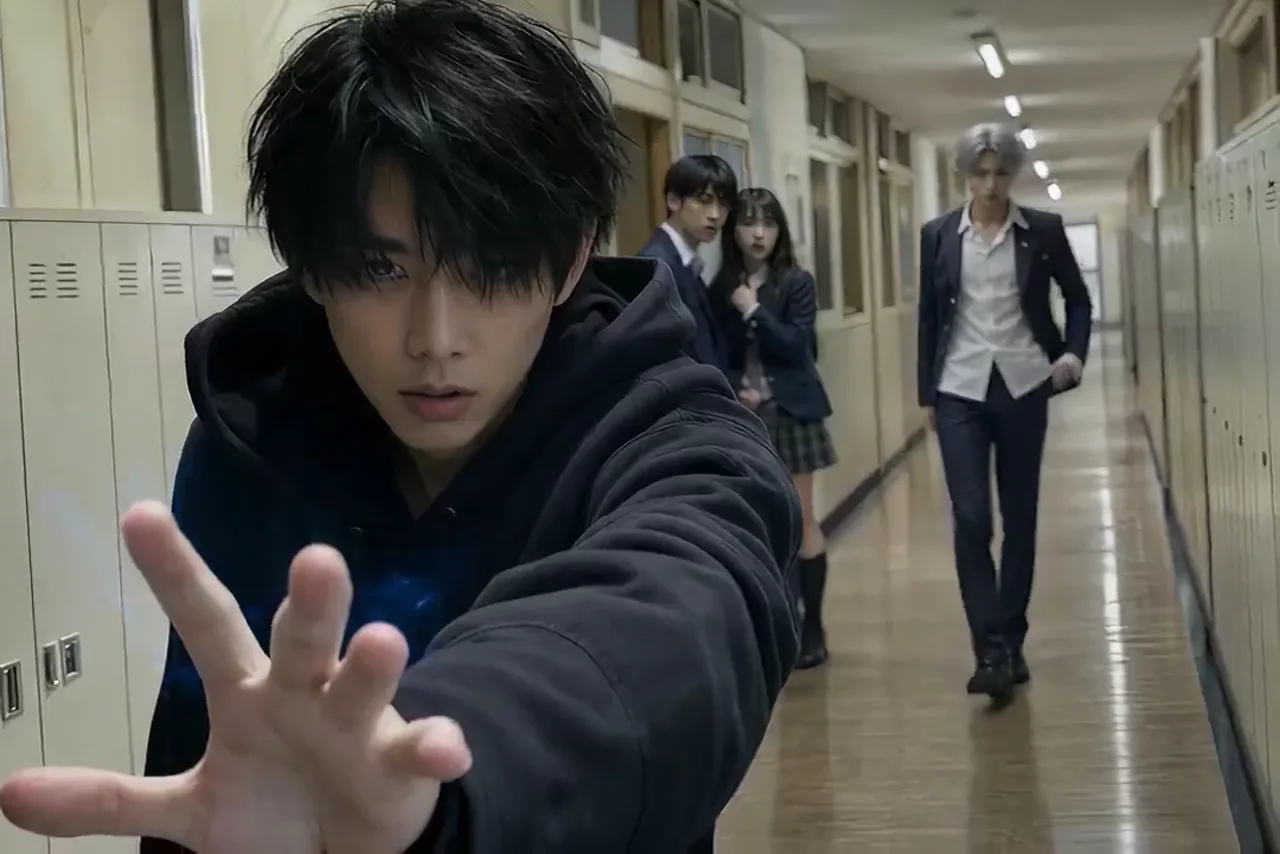
Quiet, filmic live-action acting from a prompt alone, no reference image; a creator on X who tested it found Kling very strong there.
- Write the mood, the room and one small action
- 16:9, 9:16 or 1:1
Footage that goes straight into the edit
An After Effects artist generated a batch of dancing clips with Turbo, then edited them in AE, added graphics and ran them through a print-and-scan frame effect.
- Silent, so your music and voice sit clean
- 720p for drafts, 1080p for the master
Stills from your image model, set moving
One creator on X made the key frame in Seedream 5 Pro and handed it to Turbo to animate, so the look was locked before any credits went to video.
- Upload one still as the first frame
- Describe only the motion
Kling 3.0 Turbo in the words of people using it
Public posts from Reddit and X. Every one links back to the original.
I usually start with Kling 3.0 Turbo for short videos and simple movements since it is cheaper.
Kling 3.0 Turbo vs Kling 3.0 and Seedance
vs Kling 3.0
Same generation, lower rate. Turbo takes the short videos and simple movements; [Kling 3.0](/video/kling-3-0) adds sound and 4K for the shots that need them.
vs Seedance 2.0 Mini
Both are the faster versions of their families. Side by side on the same banana-cat prompt, posted to three subreddits, the Kling take was the poster's pick.
vs Seedance 2.0
[Seedance 2.0](/video/seedance-2) renders sound in the clip. Turbo hands you silent footage for your own track, from 270 credits.
Paired with an image model
The golem fight above started as a Seedream 5 Pro still, then moved with Turbo.
Kling 3.0 Turbo FAQ
The questions people ask about it on Reddit and X, answered for how it runs on SayMaker.
For short videos and simple movements. One creator starts every such shot on Turbo because it is cheaper and only switches to the full Kling 3.0 for complicated movement or interaction.
Both are the cheaper, faster versions of their full models. In a side-by-side banana-cat test the poster liked the Kling take better.
Yes. An After Effects artist generated a batch of Turbo clips, then cut them in AE, added graphics and a print-and-scan effect. Clips arrive silent, so they drop straight onto a timeline.
Render the final take at 1080p, and upscale it if the delivery needs more. One commenter says upscaling makes Turbo clips look way more polished while keeping the credit savings.
Yes. A creator on X tested acting with a prompt only, no image, and found Kling very strong on quiet, filmic scenes. Write the room, the light and one small action per person.
Yes. Upload a still and describe the motion; the clip opens on your frame. The golem fight above began as a Seedream 5 Pro image.
270 credits for 4 seconds at 720p, 405 for 6 seconds at 720p, and 850 for 10 seconds at 1080p. The figure shows before it renders, and a technical failure is refunded.
On SayMaker, Turbo clips are silent, ready for your own voiceover or music. For a clip with sound in the same render, use the full Kling 3.0.
Pick Seedance 2.0 when the sound has to come out of the render. Pick Kling 3.0 Turbo for silent Kling footage at a low rate, from 270 credits.
Start your next video on Kling 3.0 Turbo
Stop giving your easiest scenes the expensive treatment: run them here from 270 credits. See the exact total before anything renders, and a technical failure hands the credits straight back.
SayMaker guides & tutorials
Longest AI Video Generator (2026): 30-Second Takes Tested
The longest AI video generator makes 30 seconds per take in Oct 2026. We tested a 15-second scene on Wan 3.0 and MiniMax H3 Fast and compared 15 tools.
Best AI Thumbnail Generator for YouTube (2026): 11 Tools Compared
We ran one thumbnail brief through three image models and compared 11 AI thumbnail generators: free plans, prices read 4 Oct 2026, and which put your face in.
AI Product Photography for Etsy: 7 Tools Priced, 1 Tested
AI product photography for Etsy sellers: 7 tools priced per image, Etsy's photo rules, and a full listing set made from one phone photo with one request.