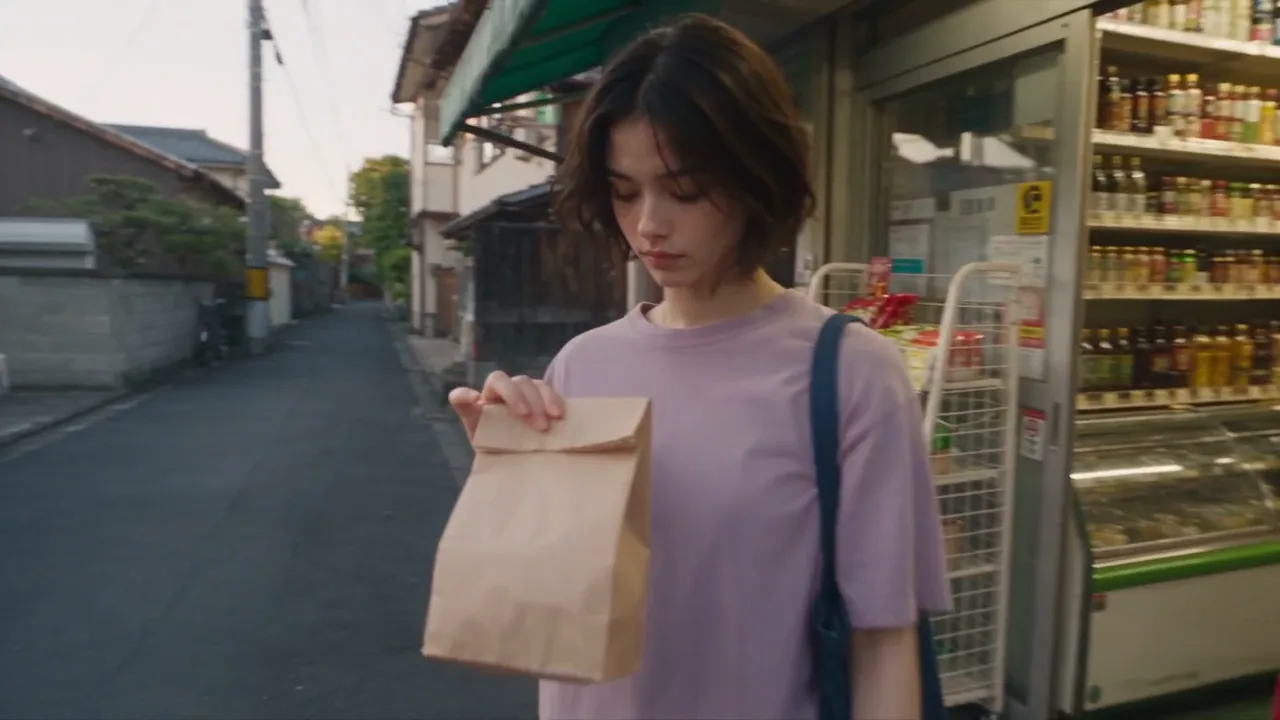
Images: GPT Image 2.5, Nano Banana 2, Seedream 5.0, Qwen Image 3, Grok Imagine
Thirteen image models, from quick edits to dense infographics. On a paid account a new image starts on GPT Image 2.5 Flare unless you name another.
Type what you want to see, in any language. The AI agent for video creation plans the image, the edit or the clip and keeps refining it in one thread.
Ideas to try
Four moves: you set the direction, the agent plans the steps and their credits, and short follow-ups steer the result.
Write it the way you would brief a person: "a shiba on a neon motorbike, rainy night, then make it drive toward the camera". The agent turns that one line into a detailed prompt with lighting, style and composition. Attach photos if the real subject matters.
The AI agent for video creation reads intent and calls one of four tools: generate an image, edit an image, generate a video, or animate an image you already have. It can use any model the generator offers.
Any video, and any job with more than one step, starts as a plan card: each step, its model, its credits, the total and your balance. Nothing is spent until you confirm, and the run must match what you approved.
"Warmer light." "Put her in the jacket from this photo." "Now ten seconds." Every earlier result stays in the thread, so short follow-ups work. Video renders in the background while you keep talking, and the clip appears in its card when it is done.
A generator does one step per click. The AI agent for video creation strings the steps together, and each one starts from the previous result instead of from scratch.
Ask for a product shot, approve it, and write "animate it, slow push-in". The agent passes that exact picture to a video model, so the clip opens on the frame you already liked.
Make my frame moveAttach a portrait and a jacket and say "have him wear this". The agent sends both photos into one edit and labels them image 1 and image 2, so neither gets dropped.
Combine my photosStop hunting for the words that point at one lamp. Circle it, draw an arrow at the window and send: the agent works where you marked, and the marks never show up in the final image.
See GPT Image 2.5The AI agent for video creation runs the same 26 models as SayMaker's generators, at the same prices. Name one in your message or pick it in the composer; leave it out and the agent uses the default for your account.
Thirteen image models, from quick edits to dense infographics. On a paid account a new image starts on GPT Image 2.5 Flare unless you name another.
Thirteen video models, all from the same conversation: Veo 3.1 as the paid default, Wan 3.0 or Seedance 2.5 for takes up to 30 seconds, and Kling 3.0 for heavy motion in 4K.
Without a plan the agent uses SayMaker Image v1 for new pictures, Nano Banana 2 Lite for photo edits and MiniMax H3 Fast for clips. Paid models are listed with a free alternative.
Bring the idea you cannot stop picturing, a hook, an ad, a dance, a story beat, and leave with a finished clip built in one conversation instead of a pile of half-learned tools.
A key frame for the hook, then the same scene animated with sound for the opening seconds of the video.
CreatorsAn absurd still first, then a short loop of it for the platforms that reward motion.
SocialSeedance 2.5 or Veo 3.1 when the clip needs sound baked in, picked by name in the same message.
MusicThe real product photo edited into a new setting, then a slow camera move for an ad slot.
ShopsOne character, redrawn in new poses by follow-up messages, with earlier versions kept in the thread.
IllustratorsFrame by frame through a scene, animating only the shots that earn it, so the budget goes where the motion is.
FilmmakersStraight answers about what the agent does, what it costs and how to get the most from it.
An AI agent for video creation takes a plain-language request and decides which steps and models it needs, instead of asking you to pick a tool and fill in its settings. SayMaker's agent can generate an image, edit one, generate a video, or animate an image, and it can run those in sequence inside one conversation.
Yes. Ask for a clip and the SayMaker agent plans it, shows the model and credits, and after you confirm it renders in the background while the chat carries on. A paid account defaults to Veo 3.1; free accounts use SayMaker Video v1; any other video model runs when you name it on a plan or credit pack.
Yes. A free account is all it takes: signing up adds free credits, so the agent starts making images and clips on the free models right away. Paid models such as Veo 3.1, Kling 3.0 and Seedance 2.5 open with a plan or credit pack, and runs that fail for a technical reason are refunded.
Yes, many of the video models write sound into the clip, including Veo 3.1, Kling 3.0, Seedance 2.5, Wan 3.0 and LTX 2.5. Kling 3.0 Turbo stays silent for footage under your own audio. Ask for sound and name a model that has it, or let the plan card show which model the agent picked.
Yes, once you are signed in. Attach one or several photos and describe the change. You can also draw circles and arrows on an image to point at what should change, and the marks stay out of the result.
Any language you are comfortable with. The agent replies in the language you used, and it turns even a one-line image request into a detailed English prompt behind the scenes, adding lighting, style and composition without changing what you asked for.
The agent explains what happened and what to change next, such as a different source photo or a new direction for the edit. It retries a failing run once at most and stops the moment inputs are refused, so your credits are protected, and runs that fail for a technical reason are refunded.
Because the spend stays in your hands. The plan card lists each step with its model and credits, the total and your balance, and nothing runs until you approve it. If the agent tried to run a dearer model than the one you confirmed, the run would be refused.
A generator page runs one model with the settings you choose. The agent takes over jobs with several steps, carrying each result into the next so you describe the result instead of operating each tool. Every model page on SayMaker, like Veo 3.1, still has its own generator.
Yes: make it once and share it anywhere by switching the conversation from only-me to public, which gives it a link anyone can open. Images from all your chats also collect in a library, so earlier results are easy to find.
Sign up free and one message is enough to start the AI agent for video creation. Nothing is spent until you approve the plan, and runs that fail for a technical reason are refunded.